01
Tell us about your shop
Use the name your customers know. Pick a style that feels right. No logo yet? Your shop name is enough to begin.

From a WhatsApp chat to your own online shop.
You make the products. You know your customers. Now give them one beautiful place to see what you sell, choose what they love and tell you exactly what they need.
Homemade food. Handmade gifts. Boutique finds. Digital creations. Your favourite recommendations. Make a shop with your name on it, one good product at a time.
Begin with your shop name and one product. Add a clear photo, price and the choices your customer needs.


Choose a box. Pick your date.
Try the food shopAlready selling through
WhatsApp & Instagram?
Keep the conversations that matter.
Give the repeated questions a better home.
You’re doing a lot on your own
“Price please?” “Which colours?” “Can I collect Saturday?” “What name did I send?” A small order can become a surprisingly long conversation.
And somewhere between making, photographing, replying and finding addresses, you have to keep track of who chose what. It isn’t a lack of effort. It’s a lot of work being carried by a chat window.
MakeMyWeb gives those details a place: a product page, clear choices and an order record you can come back to. You can still talk to customers. You just don’t have to start every conversation from the beginning.
“Price please?”
“Name should be Ananya, not Anaya.”
“Which date did we agree?”
One clear order record
The product, price and customer’s choices stay together. Keep the agreed details together so preparation begins with a clear instruction.
Name it. Add it. Share it.
Start with what you already know: your shop name, a product photo and the price you want to charge. The form guides you through the relevant choices.
Use the name your customers know. Pick a style that feels right. No logo yet? Your shop name is enough to begin.
Upload a photo. Add a clear name, price and the few choices your customer needs. Save a draft if you are still deciding.
Open your storefront, try it as a customer and see the choices appear together in your order book.
Start with your products. Keep the next step clear.
Your shop name, product details and selling choices belong together. Begin with one clear listing and work through the next step at your own pace.
Your kind of products. Your kind of shop.
A kitchen menu shouldn’t look like a stationery catalogue. A personalised gift needs different questions from an affiliate recommendation. Choose the presentation and product flow that fit your work.
 Try an example
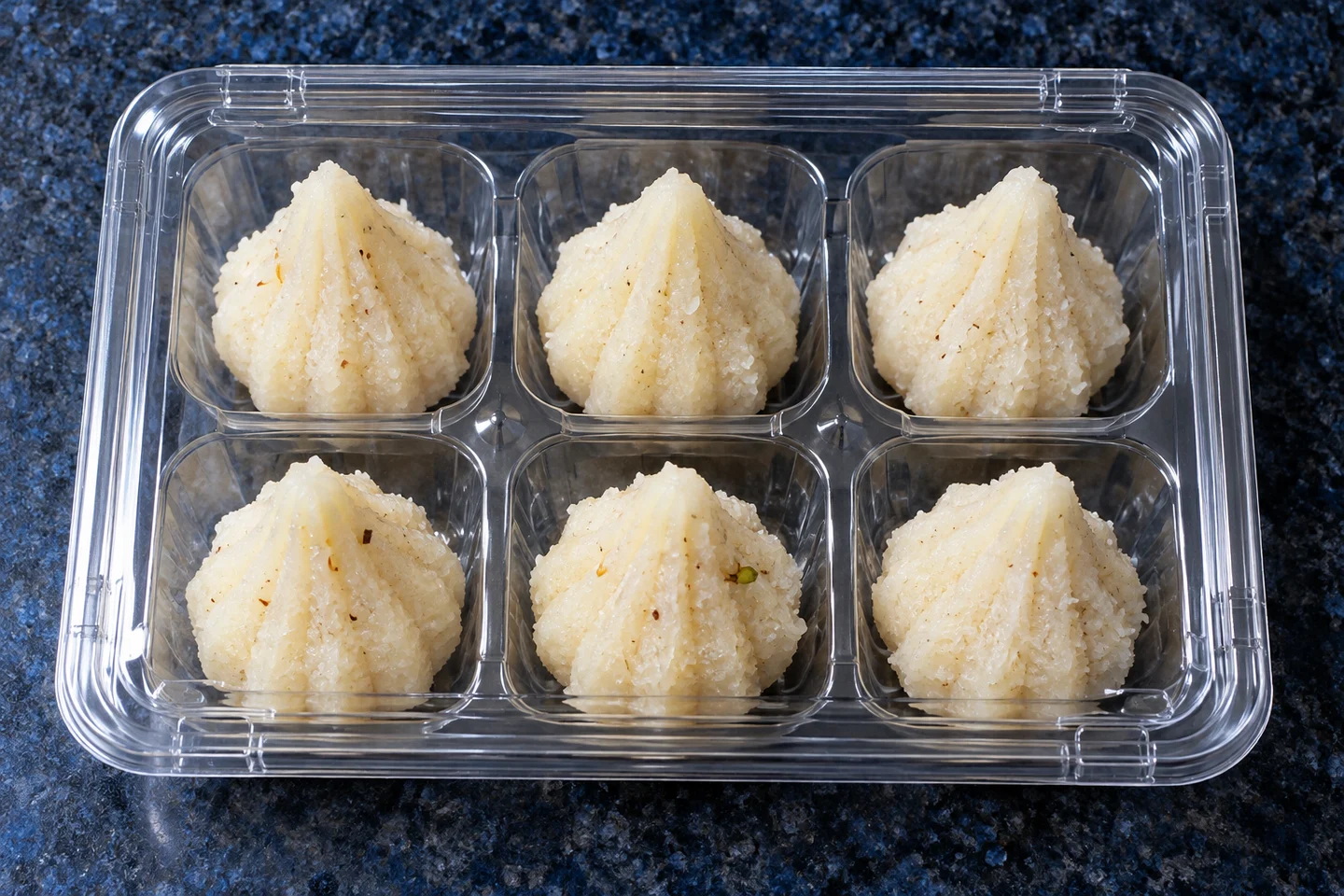
Food & preorders
Choose a pickup date and read the ingredients before ordering.
 Try an example
Personalized gifts
Type a name. Preview it. Keep the exact choice in the order.
 Try an example
Affiliate collections
Explore a curated recommendation and see where the retailer purchase happens.
 Try an example
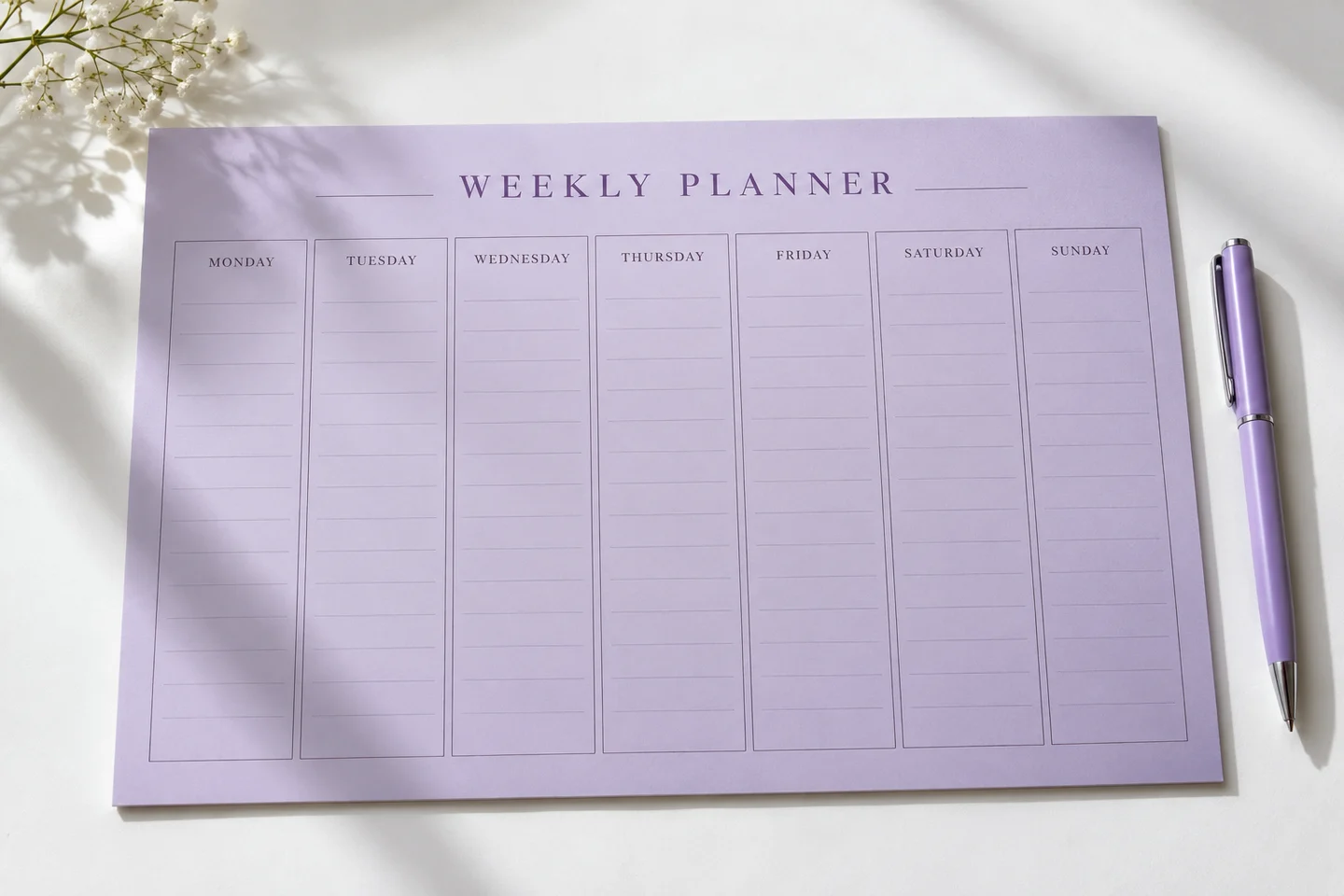
Digital creations
See how a digital resource can be presented without shipping questions.
Explore these example shops for ideas about product presentation, personalisation and a clear customer journey.
Find your way to sell
A recognisable little corner of the internet
Warm and handmade. Clean and editorial. Bright and expressive. A few considered choices can give your products the setting they deserve.
Choose from six presentation families, add your own logo and use your product photos to make the shop yours. Your customer sees a storefront; you work in a simpler task-based Studio.
One well-presented product is a good beginning. Let its photo, description and price tell a clear story, then add the next item when you are ready.
Store styles change the presentation, not just the accent colour.
Your own clear photos give customers useful detail and a reason to trust the listing.
Small details. A more personal gift.
A name on a diary. A message in a hamper. A spelling that must be exactly right. Bring the important choice into the buying moment.
A customer types the name, checks the spelling and confirms the choice with the order. You can find the exact text beside the product and price when it is time to prepare the item.
Type a name and see it appear on the diary. Check the spelling and confirm the final design before making.
Try a personalized order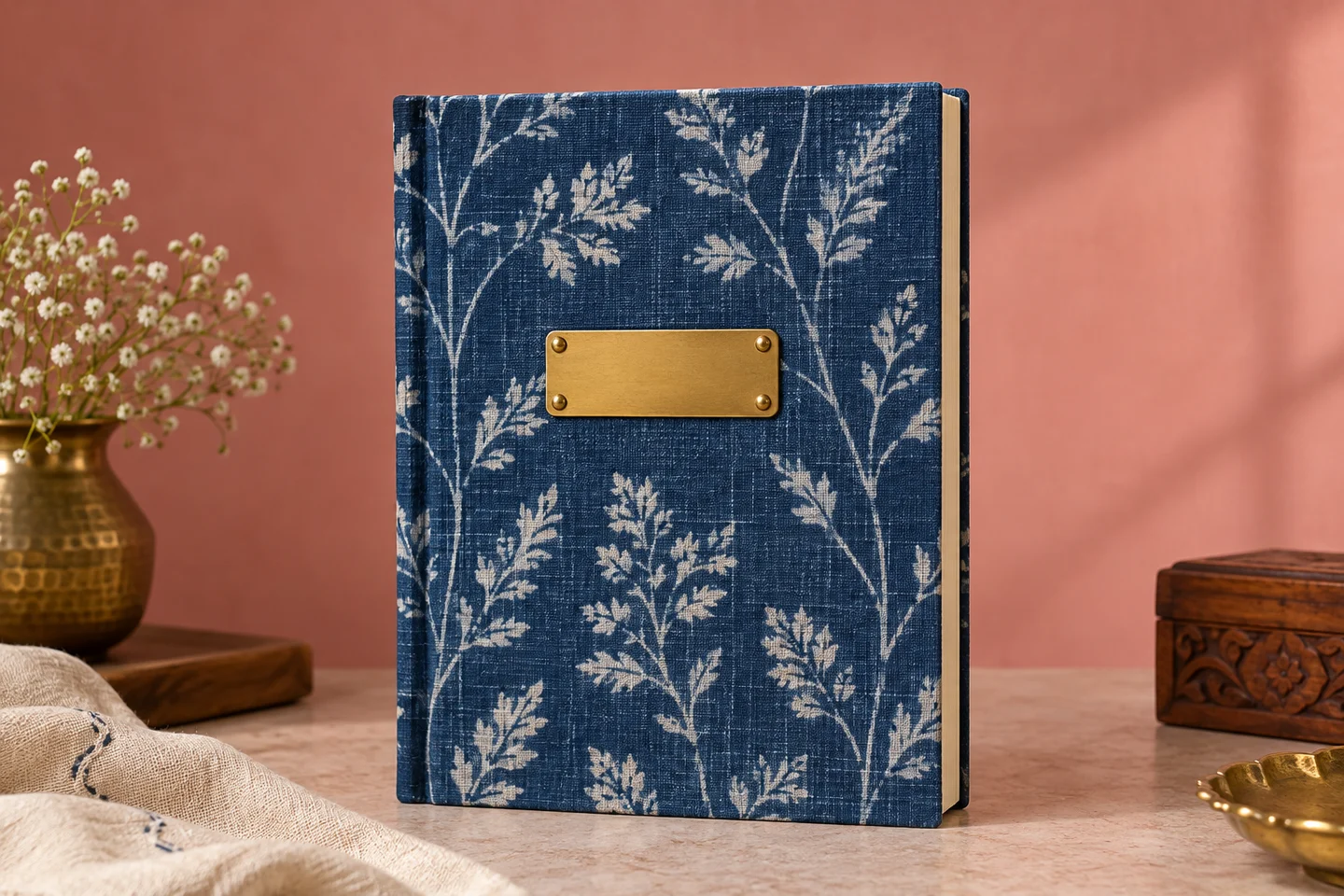
Check the exact spelling before making.

For the kitchen behind the good food
Your customers want to know the pack size, ingredients, pickup date and how much notice you need. Put that information where they can find it before they ask.
Tell customers what is in the food, how much notice you need and how many packs you can make. Keep their pickup date and quantity together so you can prepare from a clear order.
Be clear about freshness, collection instructions and safe delivery. Confirm the food requirements that apply to your business when accepting orders, especially when products need special handling.
See how a food shop worksGood taste deserves a good collection
If people already ask you where you found something, give your considered picks one branded place to live.
Add your own accurate description and approved direct affiliate link. Make the disclosure visible. Customers visit the retailer for the current price, availability and checkout.
Keep recommendations separate from the goods you sell yourself. Your reader visits the retailer for the current price, availability and purchase; your collection explains why the item is worth considering.
Build a recommendation collectionA fair price starts with a clearer picture
The price on a product is not the amount you get to keep. Materials, labour, packaging, payment fees and delivery can each change the result.
Start with a selling price you have in mind. Put in your own costs and provider fees, then look at the estimated profit and break-even price. Change one assumption at a time to see what matters.
Your price remains your decision. The adviser is an estimate with visible assumptions, not a promise of profit or an automated tax return.
Learn what to include in your price
A quieter kind of busy
When an order arrives, you should be able to understand the next step without opening six chats and a handwritten notebook.
The product, quantity and exact personalisation sit together in the order record.
The pickup date and preparation details stay beside the item in the order.
See whether an order needs preparing, is ready for pickup or is complete. Check an offline payment separately before marking it received.
Download a copy of your shop, product and order records when you need them.
Your shop. Your business accounts.
Customer payment money should settle through your own licensed provider account. Platform fees and delivery charges need their own explanation, not a surprise at the end.
Choose a online payment service such as Cashfree or Razorpay through your own verified business account. Check the provider’s fees and keep your customer payments connected to your business.
Offer clear collection instructions and choose an eligible courier service for products that can travel safely. Check the quoted cost and delivery details before confirming the arrangement.
Your MakeMyWeb subscription is separate from customer purchases. Keep your platform fee separate from customer payments, courier charges and product costs.
Start small. Grow thoughtfully.
The Starter plan is ₹199 per month plus a 2% platform fee on paid product sales that count towards the fee. Create your account and preview your shop before choosing a plan.
Growth and Pro are options for a business with more regular orders. Compare the numbers against your own monthly paid product sales. Affiliate purchases are not orders in your shop, and refunded or cancelled eligible value should not attract the shop order fee.
Online payment service fees, delivery and applicable taxes are separate. Compare plans using your own order volume.
Understand the plansIllustrative Starter calculation
Paid product sales in one month ₹10,000
Platform fee at 2% ₹200
Monthly plan fee ₹199
Before applicable fee tax ₹399
Excludes refunds, cancellations, shipping, product taxes collected for the government and affiliate sales. Online payment service fees are separate.
Your identity belongs on your storefront. Your products and policies should be accurate. Your records should be available to you. And the platform must meet its own responsibilities, too.
Know which accounts belong to you, what your customer has agreed to and which selling steps are ready. Clear payment verification, delivery eligibility and access to your own records help you make the next decision with confidence.
Meet the thinking behind MakeMyWebClear before you start
You do not have to figure out the whole business in one sitting. Start with the question that is stopping you today.
Yes. Give your shop a name and choose a presentation style. Add a logo when you are ready.
After your own online payment service account is verified, your seller details and required verification are complete. Check the provider’s verification requirements and fee schedule for your business.
Your website address is the link people type or tap to visit you—for example, yourshop.in. You can use your MakeMyWeb shop link or connect an address you already own. Confirm ownership and check registration or renewal costs before connecting it.
Choose a online payment service such as Cashfree or Razorpay that fits your business. You would use your own verified account. Choose the provider that fits your business and review its account requirements.
Cash on delivery means your customer pays when their parcel arrives. Check that your delivery service supports it and confirm when it sends the collected money to you. Make the collection instructions clear before confirming the order.
You choose and pay your own delivery provider. Courier serviceability, rates and perishables restrictions must be confirmed through authorised integrations.
Show the pack size, ingredients, preparation notice and collection choices clearly. Before accepting orders, confirm the food requirements and licences that apply to your business and to the platform.
You can add shop-owner-written recommendations with approved direct retailer links. Customers checkout on the retailer’s site; recommendations never enter an order in your shop.
The plans include platform fees on paid product sales that count towards the fee. Provider fees, shipping and taxes are separate. Compare the plan and provider charges using your own order volume.
My Shop lets you download your shop, product and order records. The file belongs to your account and can be kept as a copy of your business information.
A good next step
Create your store. Add a product. Share a link.