Be specific about the box
Say how many pieces, the approximate portion or pack size, ingredients and allergens. Explain whether the food is fresh-prepared or shelf-stable. Do not let a pretty photograph stand in for important food information.

Made around your kind of business
When every chat asks for a flavour, a date and a pack size, a busy kitchen becomes an order book. A clear product page lets customers make their choices once.
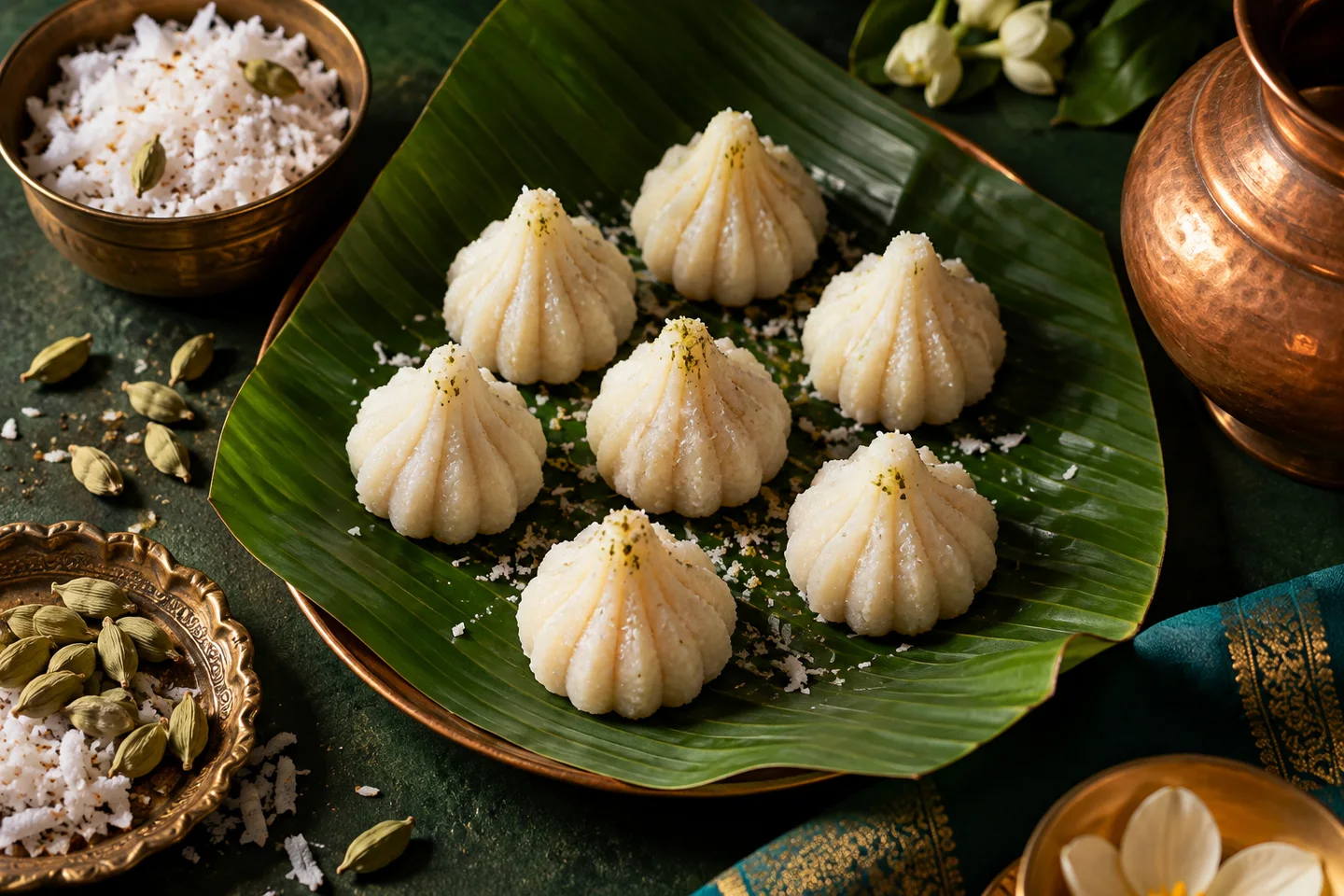
Choose your shop style, add a product and try it from the customer’s side. Keep quantities and product choices together. Affiliate recommendations use the retailer’s own checkout.
Use the example to see how clear product details and relevant choices make the buying journey easier.
A practical way to begin
A weekend menu or festival batch often starts in a familiar place: a photo sent to a group. The orders then come with different dates, quantities and questions. Give the customer a product page with the facts you would otherwise repeat, and give yourself an order record you can prepare from.
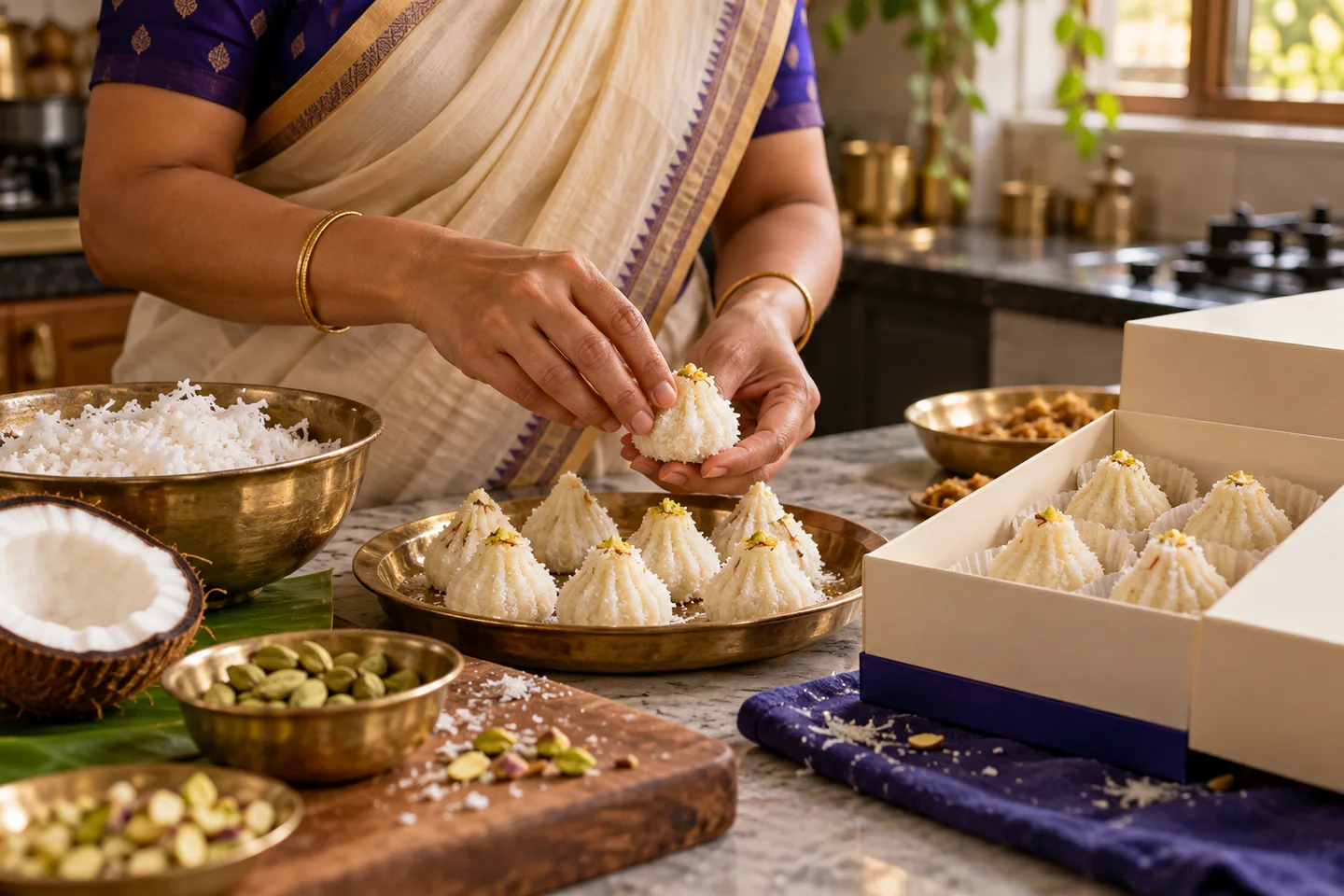
Say how many pieces, the approximate portion or pack size, ingredients and allergens. Explain whether the food is fresh-prepared or shelf-stable. Do not let a pretty photograph stand in for important food information.
Enter the notice you need and the total number of packs you can make. Customers can choose a future pickup date; the order uses the stock you have made available.
Read the customer’s pickup date beside the item in Orders. Use those dates to organise the work and confirm the collection details with your customer.
Seller and platform food obligations need qualified review. Confirm applicable licences, freshness and safe delivery conditions; a normal courier is not automatically appropriate for perishables.
Try the customer journey yourself. If a fact is uncertain, clarify it before publishing. Check the choices from the customer’s side before sharing the product.
Start with one productA good next step
Create your store. Add a product. Share a link.