Start with your approved direct link
Add a direct Amazon India or Flipkart product link from your own approved affiliate programme. Use the full product link so customers know where they are going.

Made around your kind of business
Bring your approved recommendations into one branded shop. Be clear about affiliate links and send customers to the retailer for current prices and checkout.

Choose your shop style, add a product and try it from the customer’s side. Keep quantities and product choices together. Affiliate recommendations use the retailer’s own checkout.
Use the example to see how clear product details and relevant choices make the buying journey easier.
A practical way to begin
A recommendation store is a way to organise your judgement, not a way to pretend you are the retailer. Tell people why an item belongs in your collection and make it clear where the actual purchase will happen.
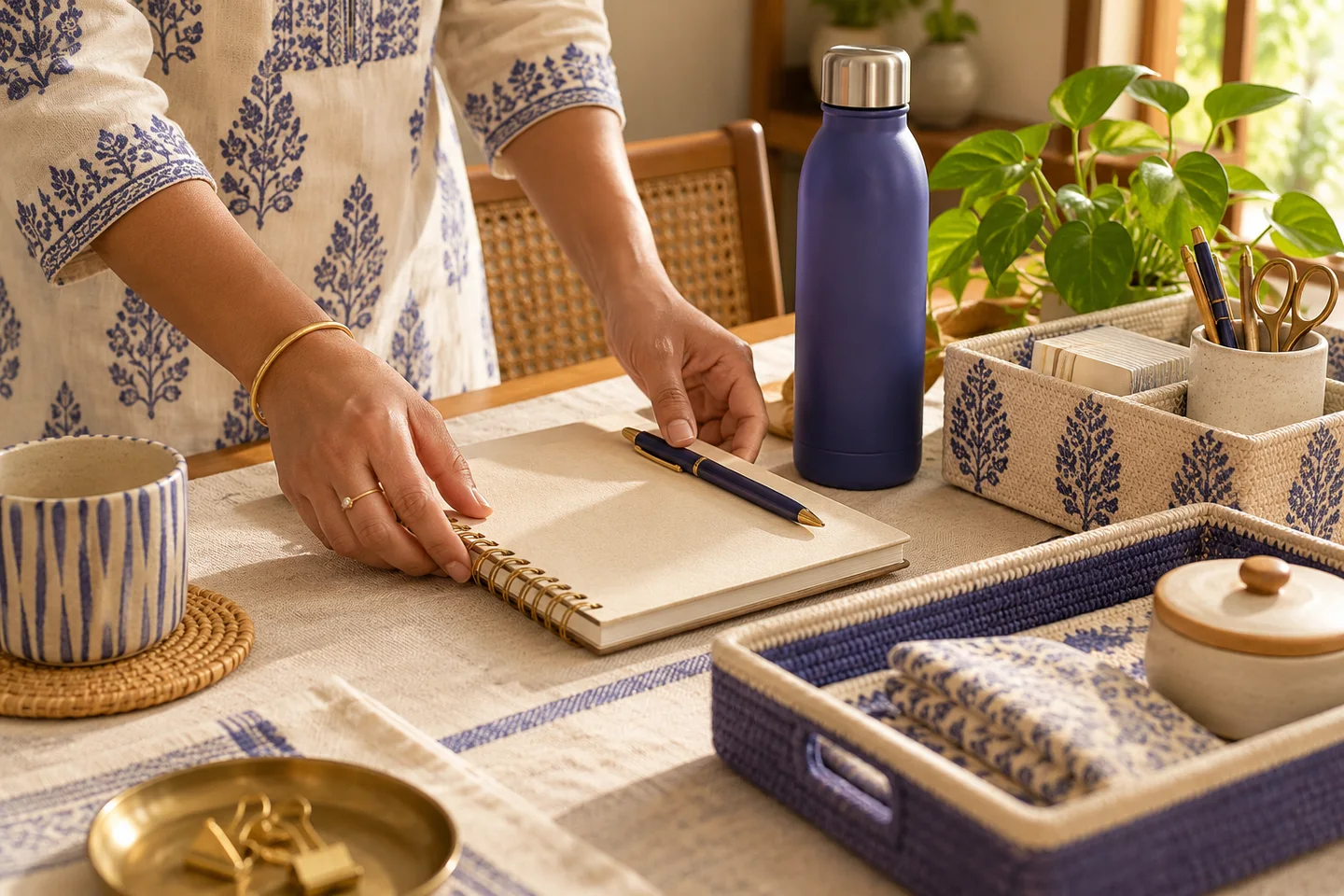
Add a direct Amazon India or Flipkart product link from your own approved affiliate programme. Use the full product link so customers know where they are going.
Explain the reason for your pick using accurate information. Do not invent a retailer rating, discount, availability or price. Explain what you know about the product in your own words.
The recommendation identifies its affiliate role and sends customers to the retailer. The external purchase is governed by the retailer’s current terms and product information.
Affiliate products never enter your MakeMyWeb checkout. If you sell your own goods too, the buying boundary must remain clear for every product.
Try the customer journey yourself. If a fact is uncertain, clarify it before publishing. Check the choices from the customer’s side before sharing the product.
Start with one productA good next step
Create your store. Add a product. Share a link.