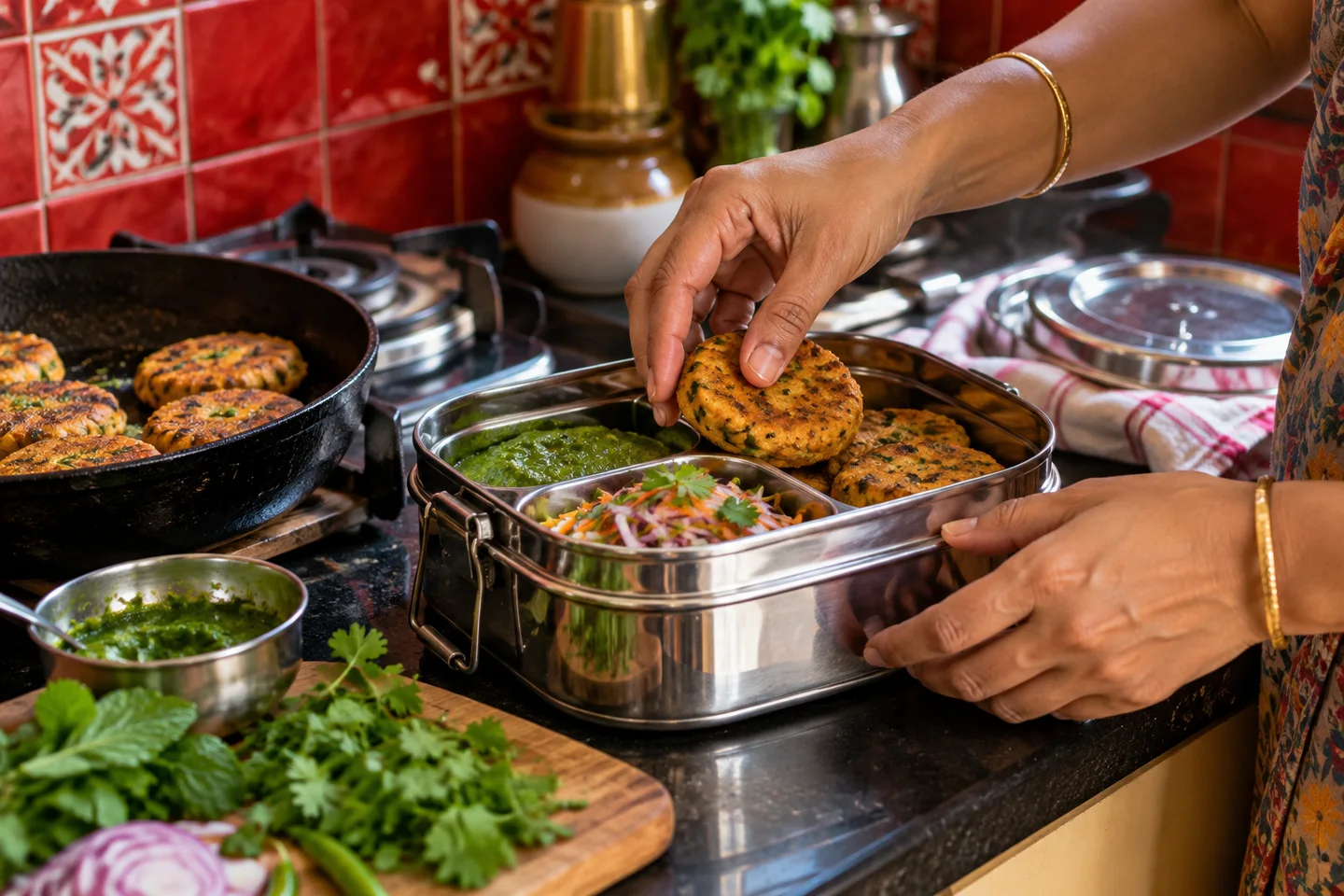
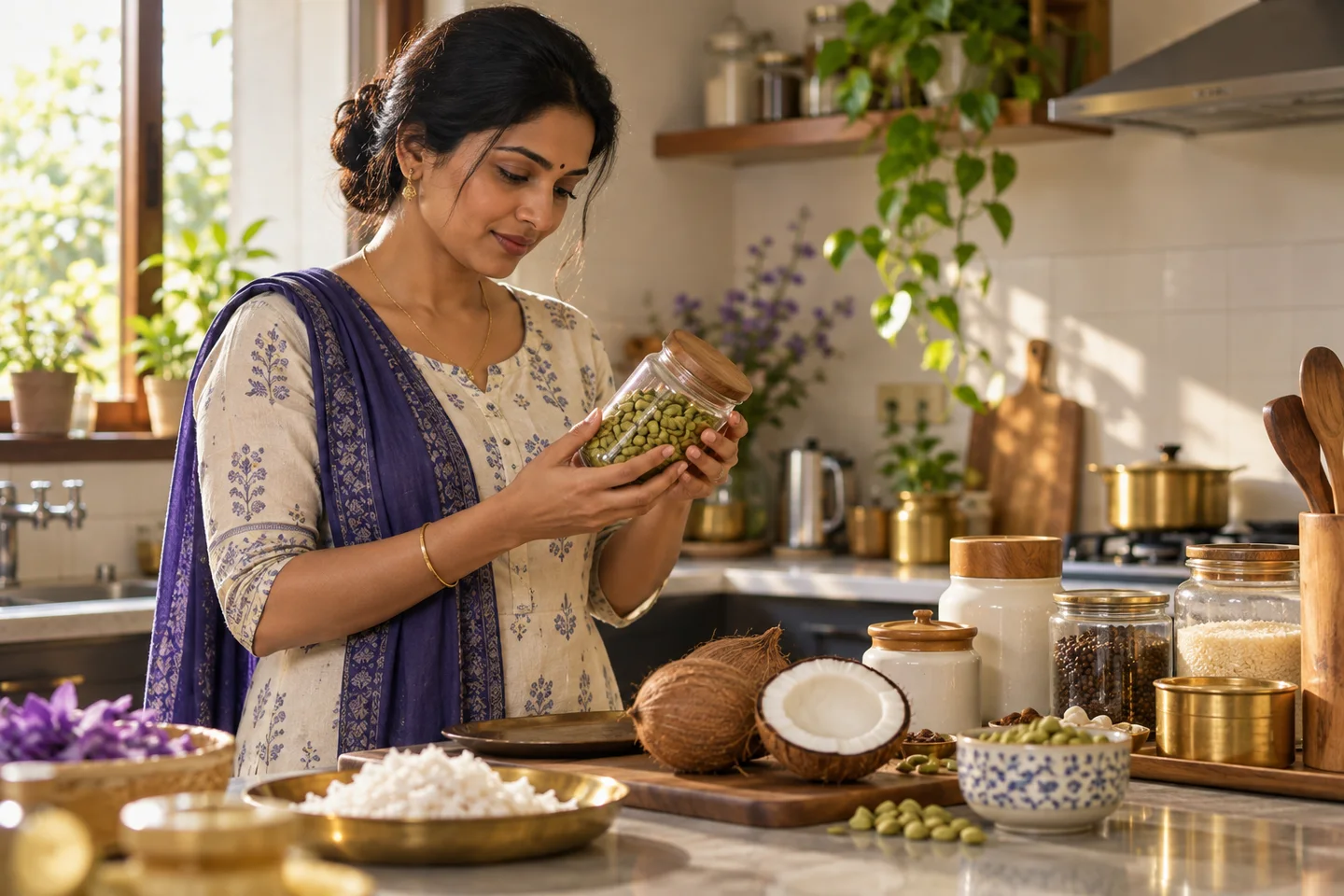
Name your shop and choose Food menu. Add your first batch with a clear pack size and price.
Step 2
Disclose ingredients, allergens, freshness and preparation time. Keep the total available number of packs honest.
Step 3
Check the pickup date, agreed quantity and preparation notice in Orders before planning your batch.
Step 4
Before accepting orders, confirm seller licences and the platform’s obligations with a qualified adviser. Never book a normal courier for perishables without explicit eligibility.
Last reviewed 13 October 2026. Provider requirements can change. Confirm account and product eligibility with the relevant provider before accepting orders.
“Coconut modaks · box of 6 · contains dairy and coconut · needs 2 days’ notice · pickup.”
That short description answers several questions before an order begins. Then explain freshness, availability and the exact pickup process in the relevant product and seller information. Keep your available quantity up to date and check the pickup dates in your order book when planning a batch.
A checklist you can use beside the form.
Use the Food & preorders product type.
Add a real pack size, price and available total capacity.
Enter ingredients/allergens and preparation time.
Check the customer’s test pickup date in Orders.
Check the food requirements that apply before accepting orders.
Before you share your product.
Save a draft while the details are changing. Before publishing, read the product as a customer would: what is included, what it costs, which choices matter and what happens next.
If you need help, describe what you wanted to do, the page you were on and what happened. You do not need technical vocabulary. Leave passwords, provider keys and private customer details out of the message.